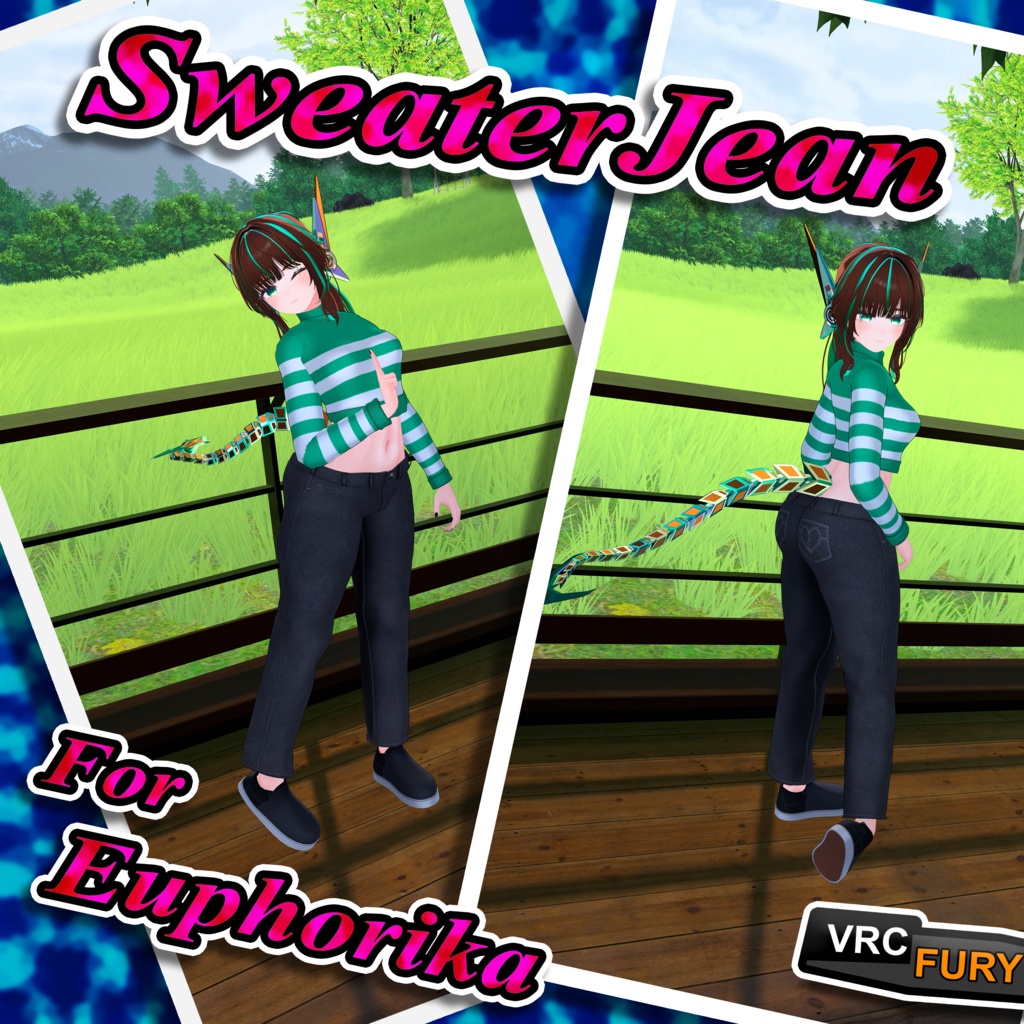
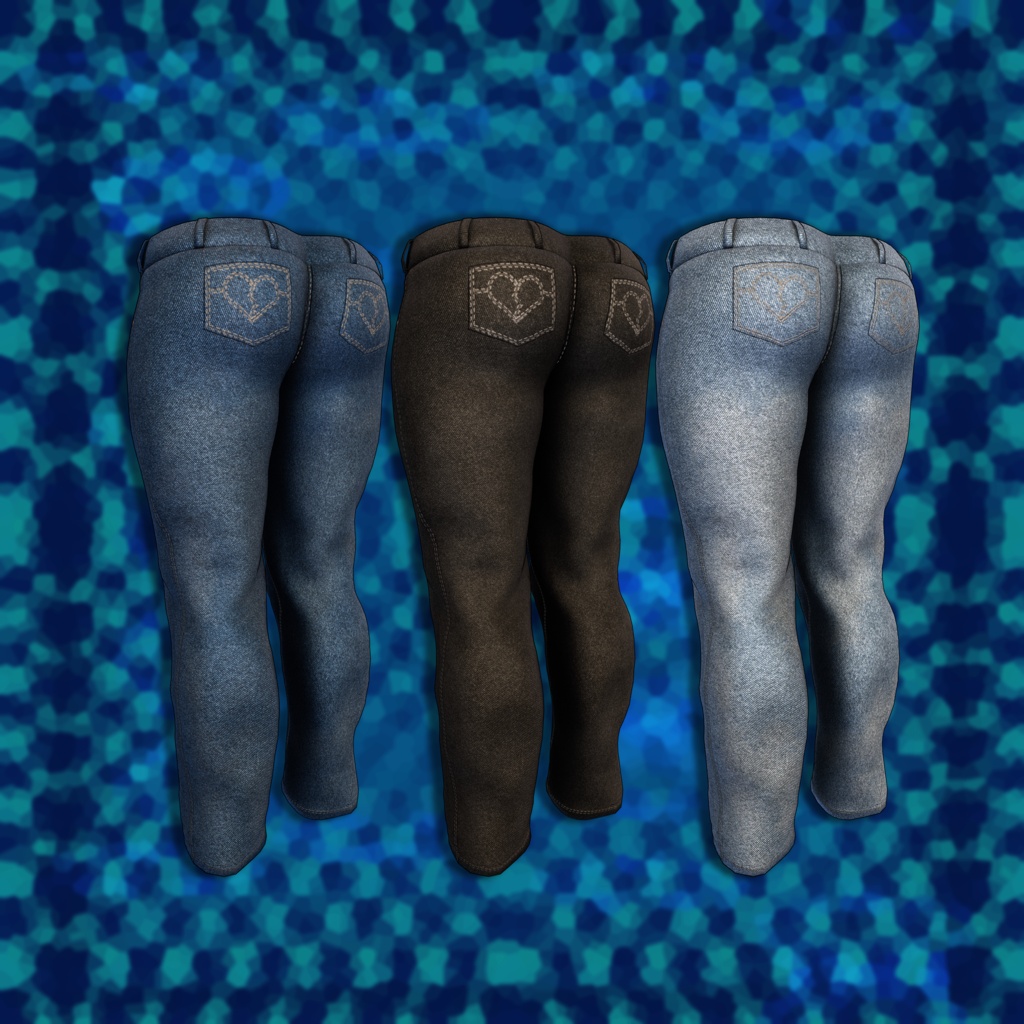
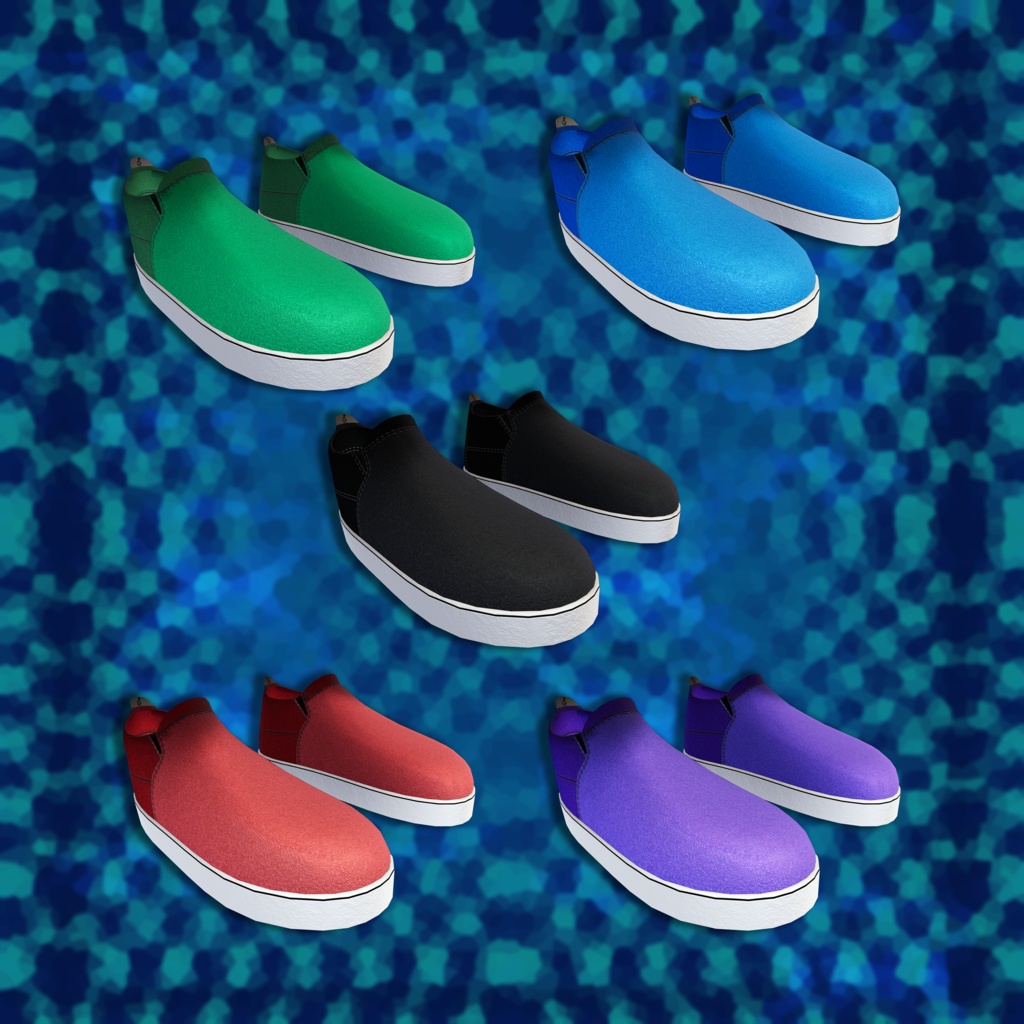
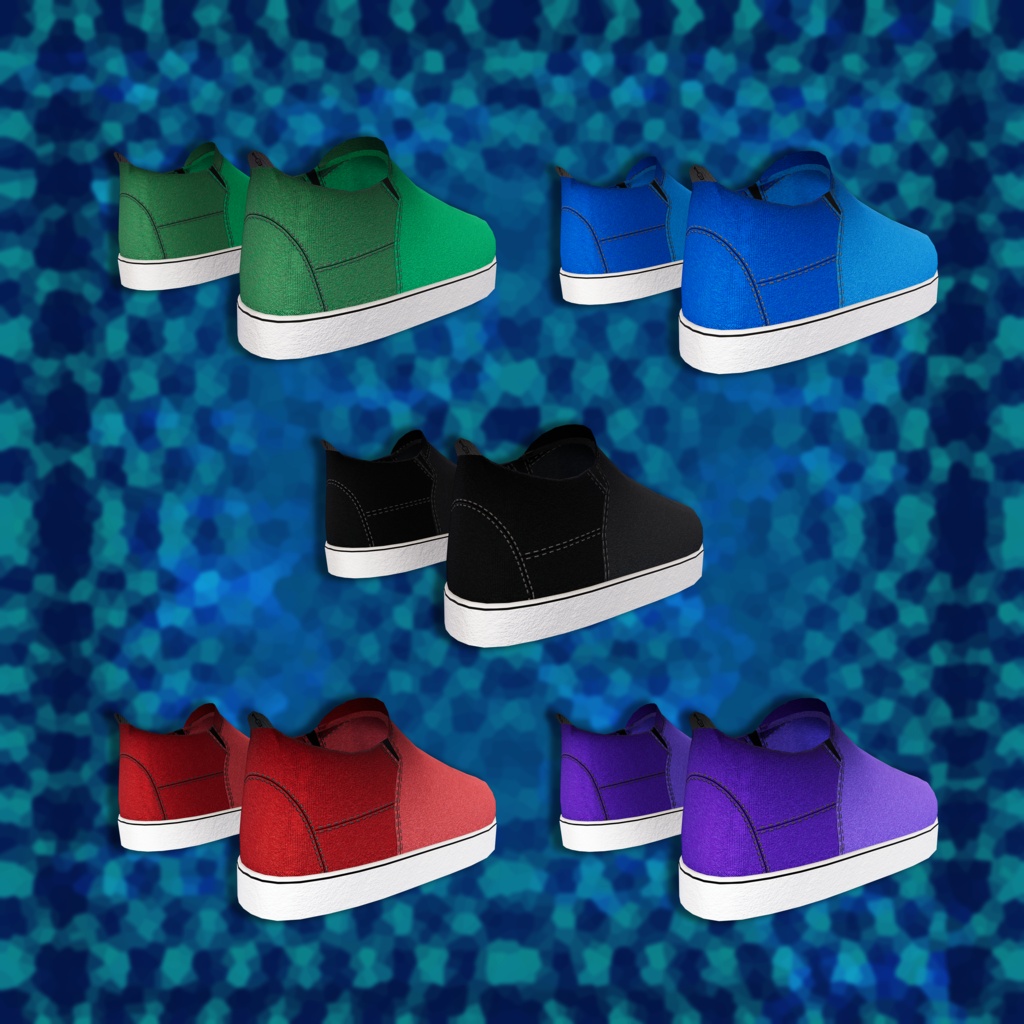
SweaterJean For Euphorika - (VRCFury) / 【Euphorika / ユーフォリカ対応】スウェータージーン
- ダウンロード商品¥ 1,000
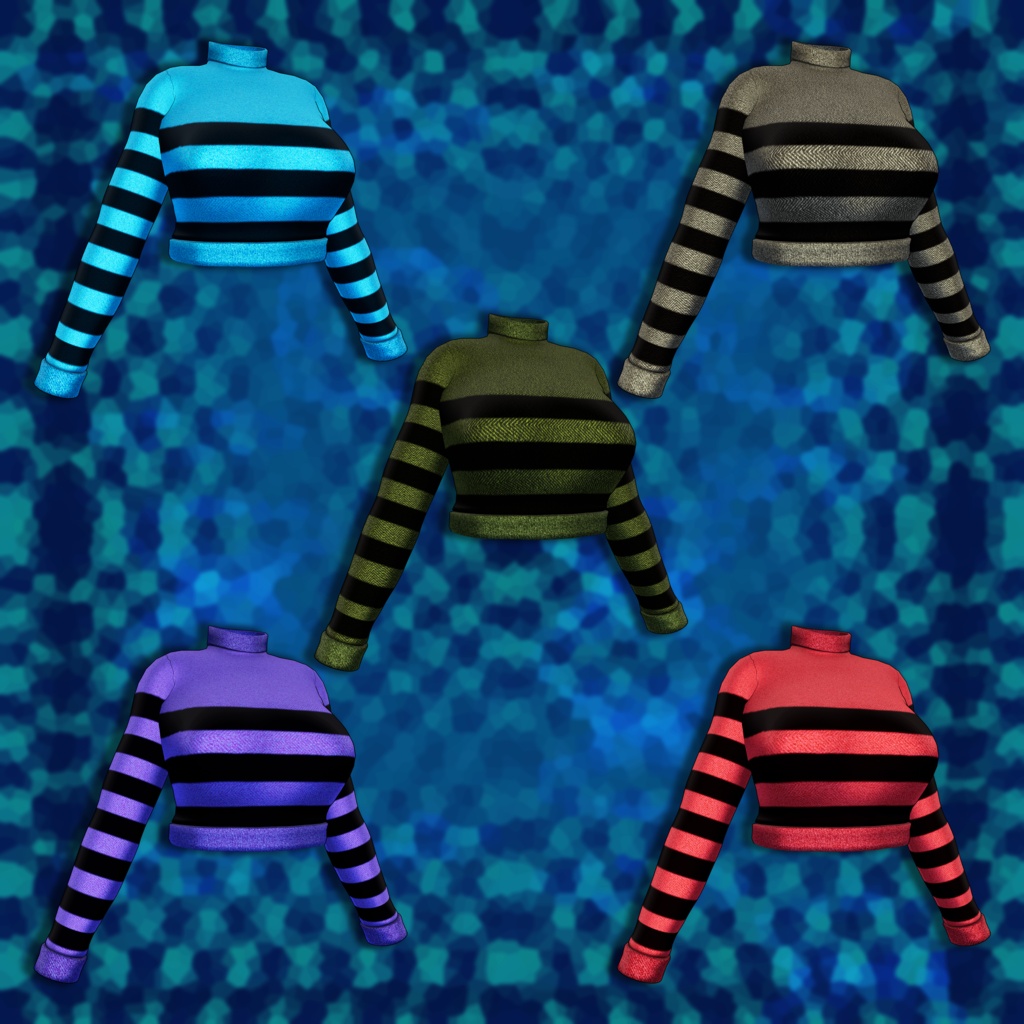
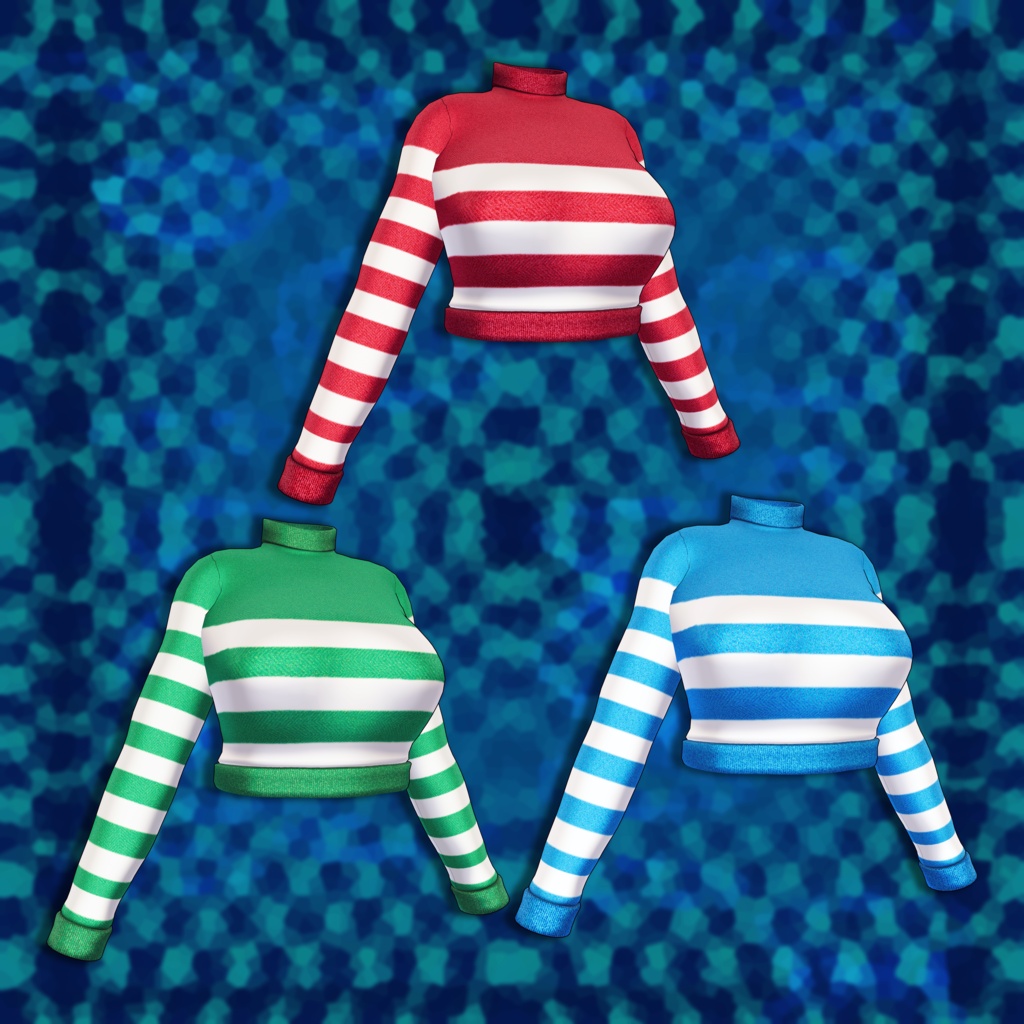
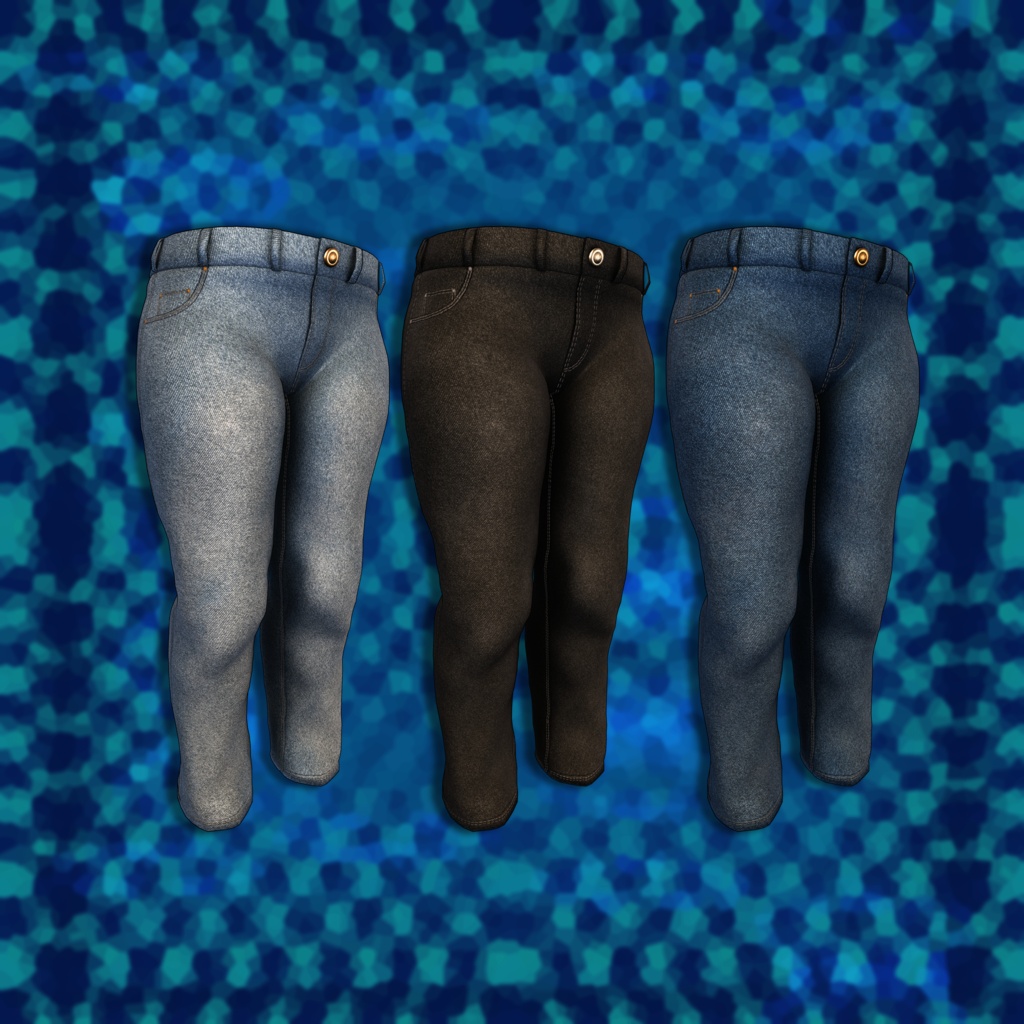
Outfit for Euphorika. Comes with multiple texture and color options, all body blendshapes are included. How To Install - 1. Add VRCFury and Poiyomi Toon using the VRChat Creator Companion VRCFury - https://vrcfury.com/download/ Poiyomi Toon - https://poiyomi.github.io/vpm/ 2. Import the SweaterJean Unity Package 3. Drag the SweaterJean prefab you want directly under the avatar's hierarchy 4. (Optional) If you would like to change the design go into the materials folder and drag the one you'd like onto their respective outfit pieces. That's it. Enjoy! If you have any questions or concerns please contact me at - lutetoast@gmail.com
Terms of Use
By purchasing or downloading this asset, you agree to the following terms. These terms are subject to change without notice. Usage Rights Personal Use: You may use this asset on your personal avatars in VRChat, ChilloutVR, Resonite, and other similar platforms. Modification: You are free to modify the mesh, textures, and functionality of this asset. Streaming/Content Creation: You may use this asset in monetized videos and streams (YouTube, Twitch, etc.) It would be greatly appreciated if you would like to give credit. Prohibited Acts Redistribution: You may not sell or distribute the asset files (original or modified) to anyone. Resale: You may not resell this asset or include it in a larger package for sale (unless you have purchased a specific Commercial License from me). Claiming Ownership: You may not claim that you created this asset. Disclaimer Due to the nature of digital products, refunds are not accepted.